Are you looking to create a logo?
Here are four main methods you can consider:
1. Hire a Professional
“Upwork”
You can hire a professional through platforms like Upwork or Fiverr. Prices can vary from tens to hundreds of thousands of won. It's important to carefully review ratings and feedback before making a choice. Also, ensure that the final product includes options for revisions, check if there are additional fees for future changes, and confirm that you’ll receive the logo in vector format (SVG).
•
Pros: If you choose the right person, you can get a great result.
•
Cons: Although you save the effort of creating the logo yourself, selecting the right professional and communicating with them online can be burdensome. Additionally, you’ll have to pay again if you need to make changes in the future.
2. Use AI
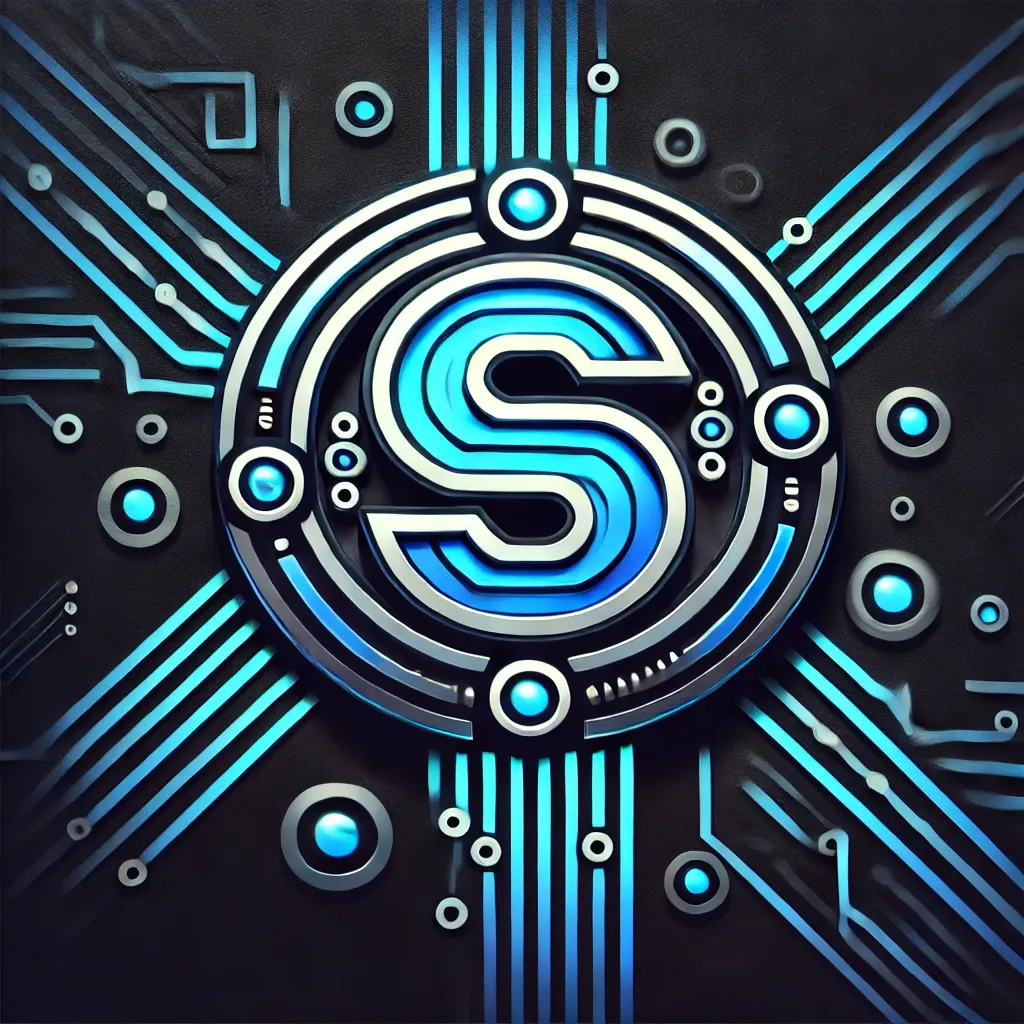
You can create a logo using AI models like DALL-E from OpenAI’s ChatGPT.
While you can get a logo for free, there are significant drawbacks. AI-generated logos often look like they were made by AI. Additionally, because these logos are bitmap images, they can become pixelated when enlarged.
•
Pros: Free and easy. ChatGPT!
•
Cons: The logo might have a strong AI-generated feel and isn’t in vector format.
3. Use PowerPoint
While it’s possible to create a logo in PowerPoint, the limitations are clear. Creating an icon is challenging, you need to ensure that the fonts used are licensed for commercial use, and you also need to check the copyright for any icons you use. Additionally, exporting the logo as a vector image (SVG) isn’t straightforward—you’ll need to convert a PDF to SVG using an online tool, which doesn’t always work perfectly.
•
Pros: It’s free in many cases.
•
Cons: Be cautious with licensing. Creating a vector image is tricky.
4. Use Logo Design Software
There are many logo design software options available, many of which operate as SaaS platforms. Typically, you can get a high-resolution logo in vector format for $30 to $150. However, you need to be aware of a few things:
1.
Can you trademark the logo created with this software?
a.
If the service uses stock icons, the same image could be sold to multiple customers. This means you might end up with a logo that’s not unique, and could be used by dozens of other companies around the world.
2.
Is the service using AI to create logos?
a.
While this could change in the future, current AI-generated logos often look like they were made by AI, which isn’t ideal.
3.
Will you be able to easily change the text or layout of the logo in the future?
4.
Is the copyright for the icons and text fully resolved?
a.
Many sites don’t clearly state the copyright for the fonts they use.
•
Pros: If you choose the right software, you can achieve great results.
•
Cons: There are many options available, and you need to ensure that all the concerns mentioned above are addressed.

LIFETIME LOGO MAKER allows you to create logos easily for a lifetime at a one-time cost of $99, addressing all the concerns mentioned above.
