One of the standout features of LIFETIME LOGO MAKER is its powerful Icon Editor.
This tool allows you to add or remove various shapes in vector-based icon images. Let’s take a closer look at the shapes you can use.
1. Path (Open)
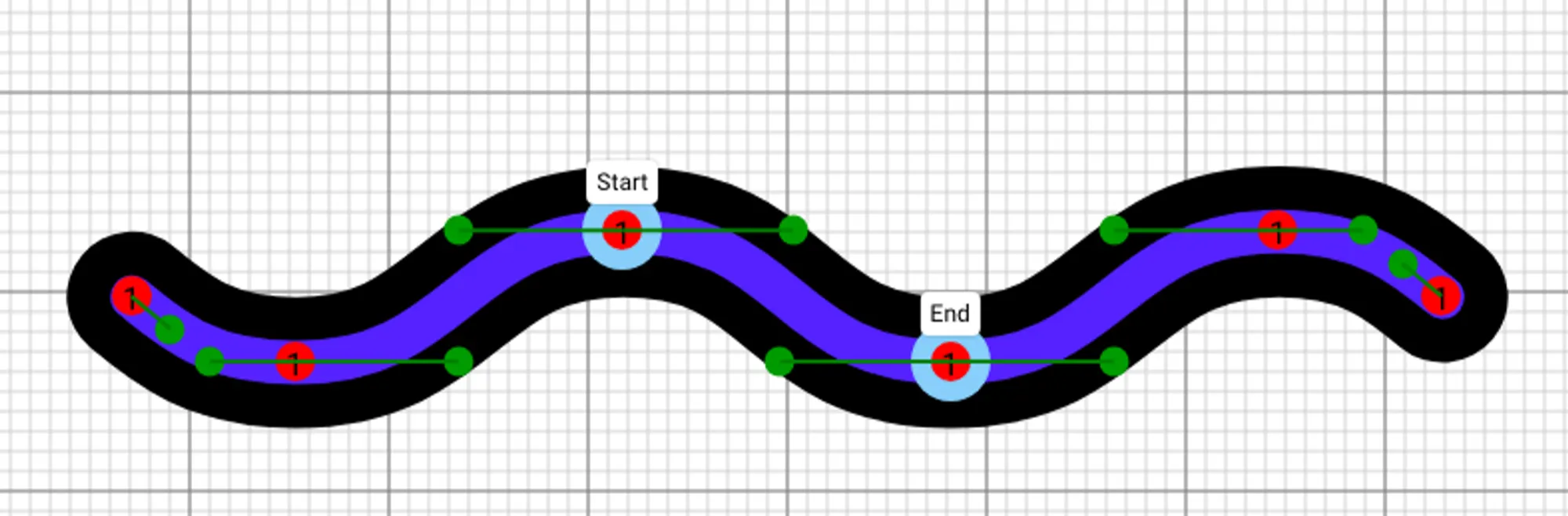
A "Path" can be thought of as a "trail" or "way." It’s the most commonly used shape in vector icons, allowing you to create a wide variety of connected curves and straight lines.
A Path is made up of several connected segments. Each segment can be a straight line or a curve, with options ranging from quadratic curves and cubic curves to arcs. We’ll dive deeper into the types of curves available in another article.
2. Path (Closed)
Paths can also be closed. Closing a Path means that the final point automatically connects to the starting point with a straight line.
.png&blockId=17f05d2b-250c-48e0-857e-40130b59fdeb)
3. Line
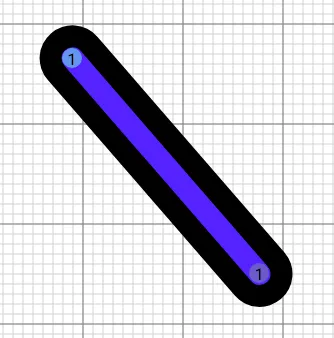
A Line is the simplest connection between two points. You can adjust it by dragging the points with your mouse.
4. Rectangle
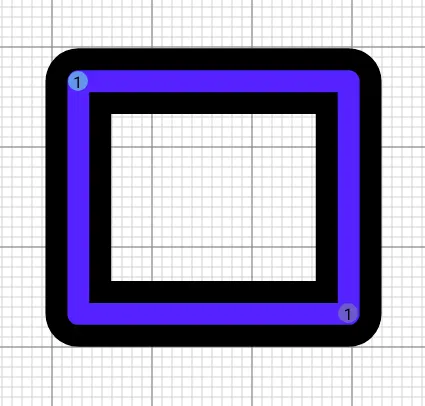
A Rectangle is also defined by two points.
5. Circle
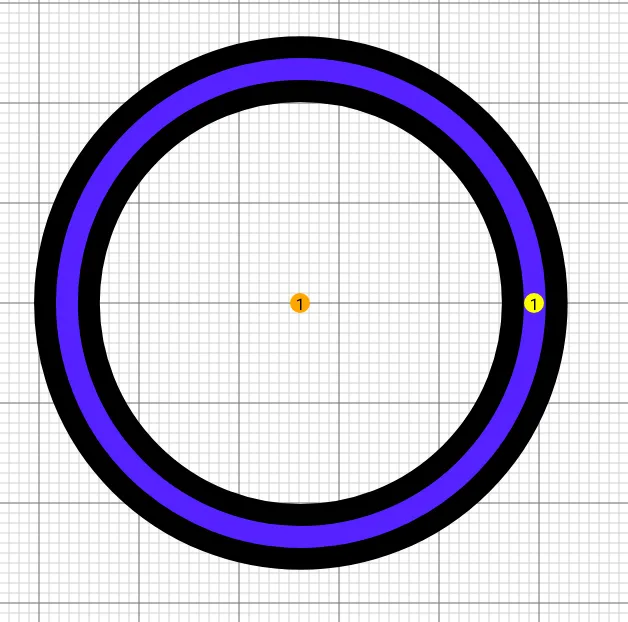
A Circle is defined by its center point and radius.
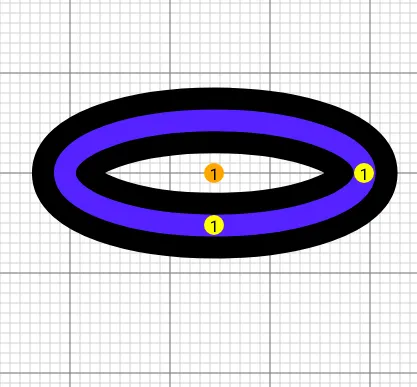
6. Ellipse
An Ellipse has two radii, making it more versatile than a circle in expressing different shapes.
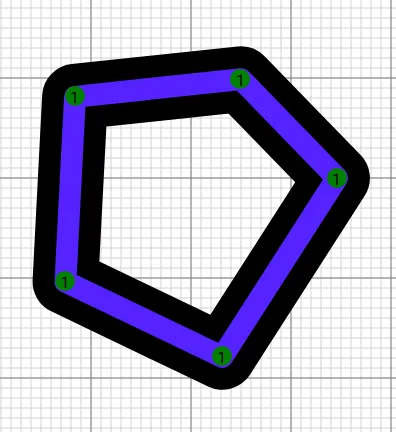
7. Polygon
A Polygon is a multi-sided shape made by connecting N points with straight lines.
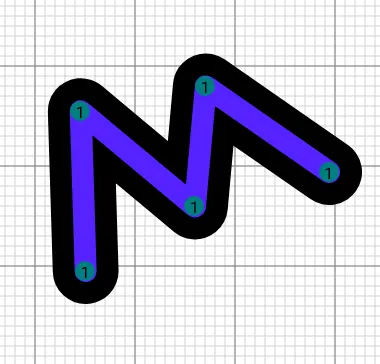
8. Polyline
A Polyline is similar to a polygon but doesn't close back to the starting point. It’s essentially a zigzag line connecting N points.

With LIFETIME LOGO MAKER, you can use the powerful Icon Editor to add, remove, and adjust these 8 different shapes, enabling you to create entirely unique icons with ease.
