It’s the Era of Branding.
We’ve entered a time where we can showcase our value using various channels like YouTube or Instagram.
A logo that effectively represents you and your product is crucial because, in the flood of information, a logo serves as a face that makes a memorable impression on customers.
In line with this trend, many services now allow us to design logos ourselves. If you're reading this, you've likely decided to create your own logo and are considering Hatchful as your solution. Choosing the right logo maker is critical when you've made up your mind to design your logo by hand. But what makes a “good” logo maker?
In this post, we'll compare 8 DIY logo maker services, each with their unique appeal, and introduce which solution is the best "good" logo maker for you.
1. LogoMakr
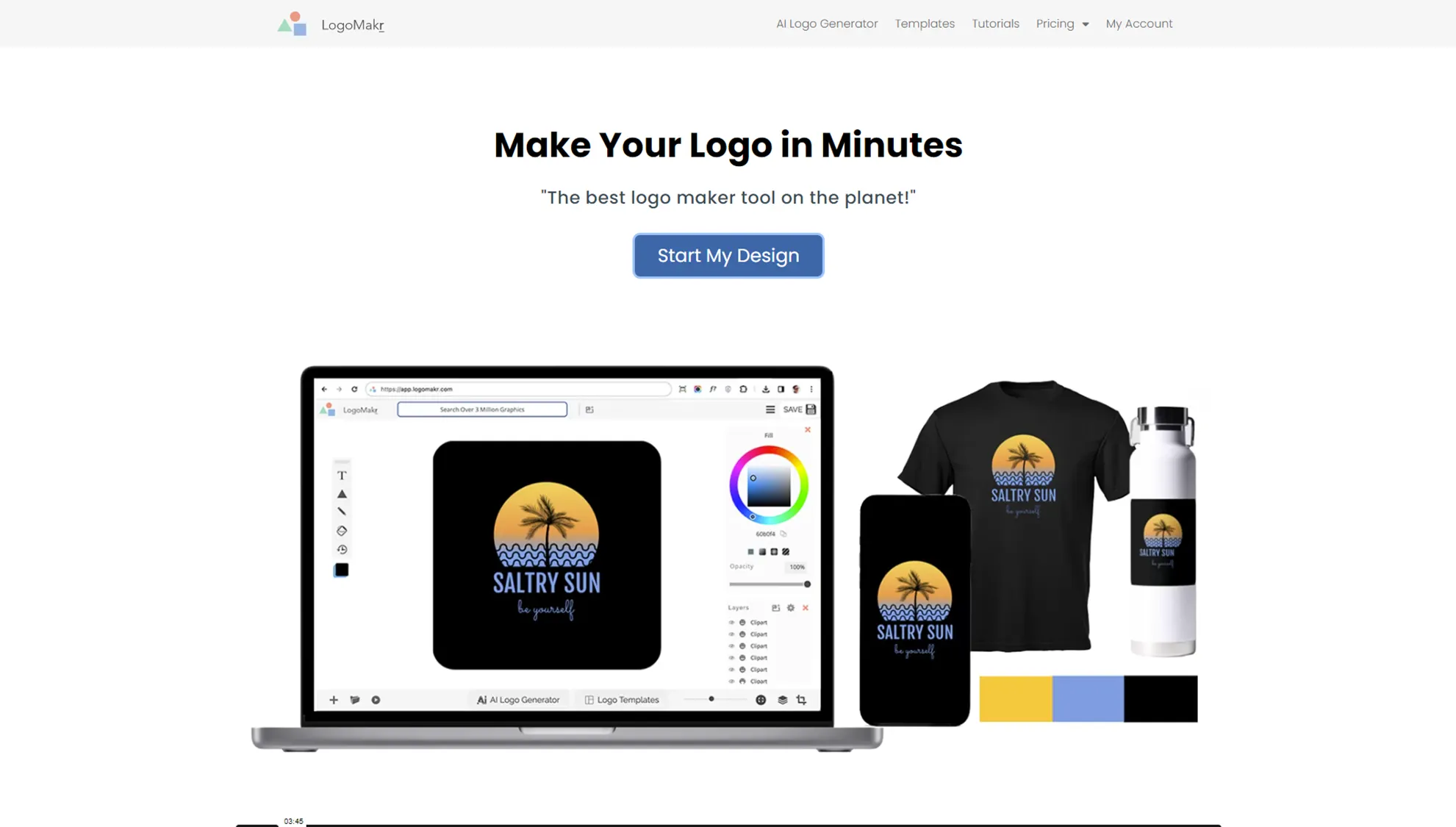
LogoMakr is a web-based DIY logo maker service (SaaS). Its key appeal is that it provides both bitmap and vector files, and it also offers presets that can assist with various logo designs using AI. However, one downside is that you cannot edit the icons (clipart) provided in the presets, and in the lower-priced plans, it’s difficult to adjust the size and resolution for social media channels. The free plan is not suitable for marketing purposes, and the $29 Basic plan allows you to use just one design. The Pro plan costs $60 and includes six designs, while the Brand plan costs $120 and allows up to 30 designs.
2. Tailor Brand
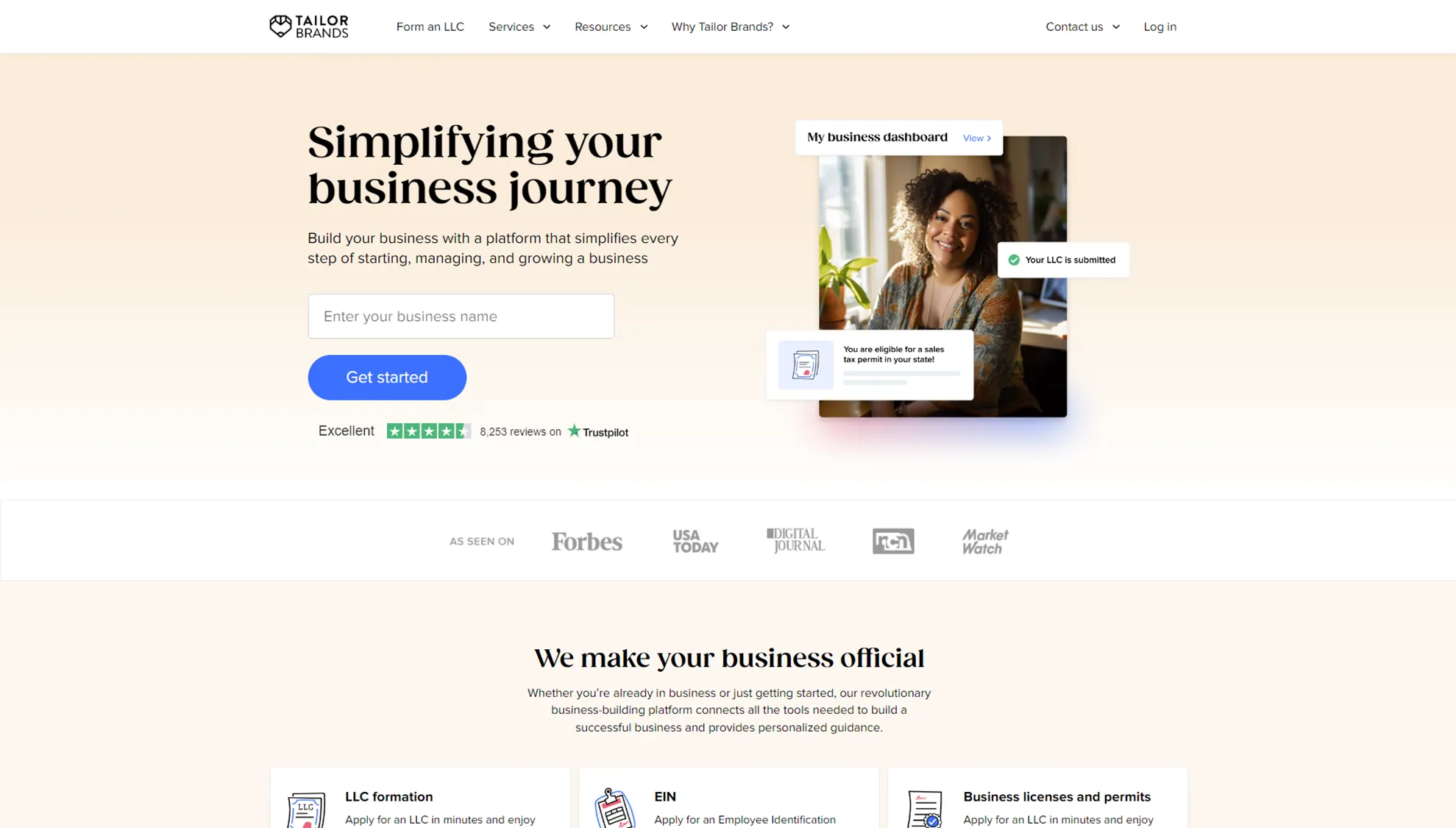
Tailor Brands is a web-based service (SaaS) that features a clean interface that feels like it was designed by a professional. The service suggests neat presets based on a few preference questions, but it lacks more detailed editing options such as adjusting the position and shape of text and icons. It offers a subscription model with Basic ($9.99/month), Standard ($19.99/month), and Premium ($49.99/month) plans. Bitmap files are available in all plans, but vector files, which are more versatile, are only available with the Standard plan or higher, which is disappointing.
3. Logomaster.ai

Logomaster.ai is a web-based logo maker offering a Basic plan for $23, a Premium plan for $57.7, and an Enterprise plan for $92.3. You can download bitmap files with any plan, but vector files are only available with the Premium plan or higher. The AI-powered logo feedback feature is impressive, but the limited icon customization and resizing features for social media channels are drawbacks.
4. Logotype Maker
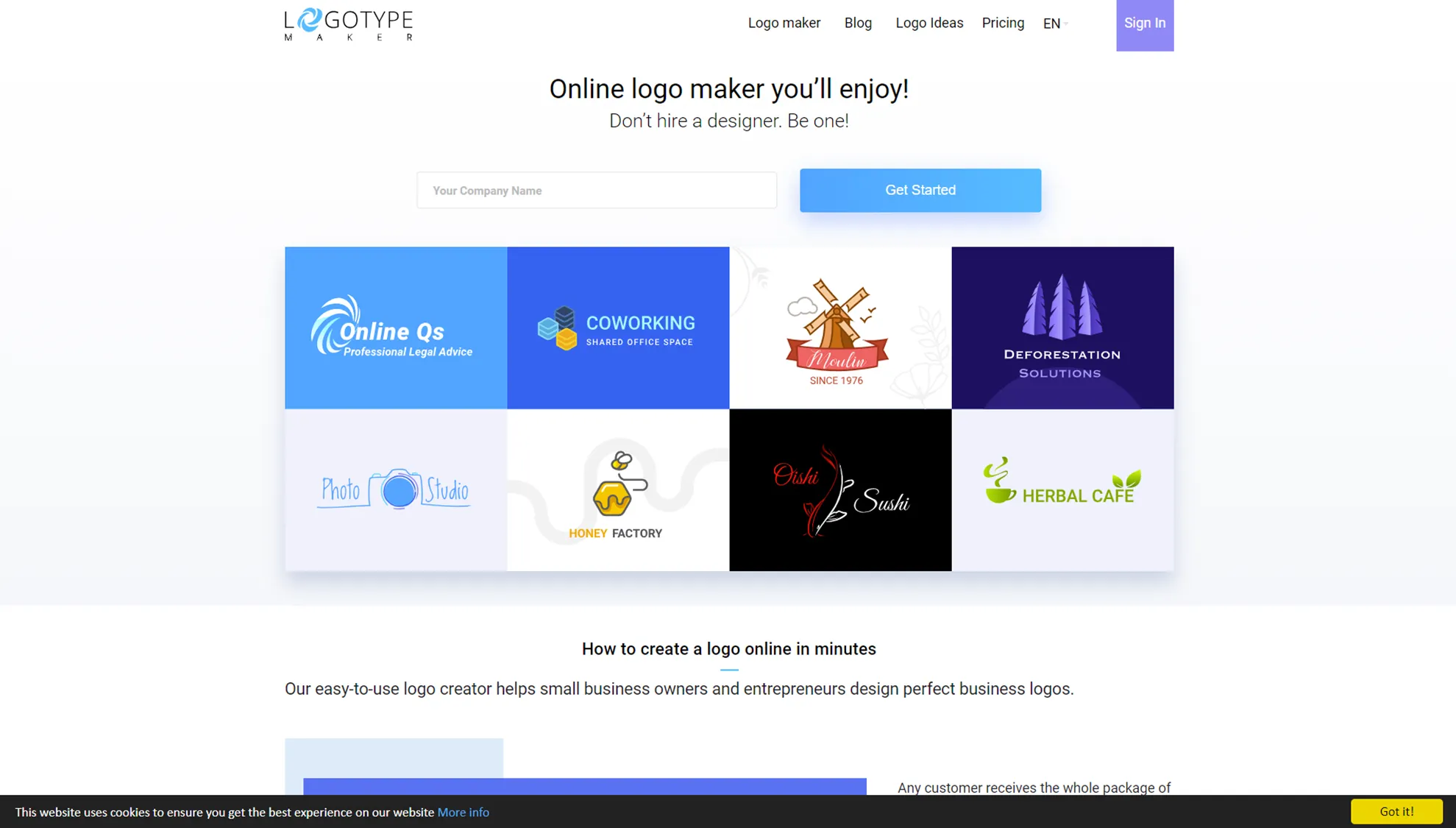
Logotype Maker offers a Basic plan for $19.99 and a Premium plan for $49.99. Both plans allow bitmap downloads, but vector files are only available with the Premium plan. The clipart in Logotype Maker’s presets is layered, allowing you to easily modify colors and create various versions of logos, which is appealing. However, the need for additional image editing tools to set sizes for social media is a downside.
5. BrandCrowd

BrandCrowd is another SaaS-based logo maker that allows you to create logos easily using a variety of presets. It operates on a subscription model, with a monthly fee of $15, or about $5 per month if you subscribe annually. While it’s easy to use and supports resizing logos for social media channels, it lacks the ability to edit logo details, making it difficult to create a truly unique design.
6. Wix Logo Maker
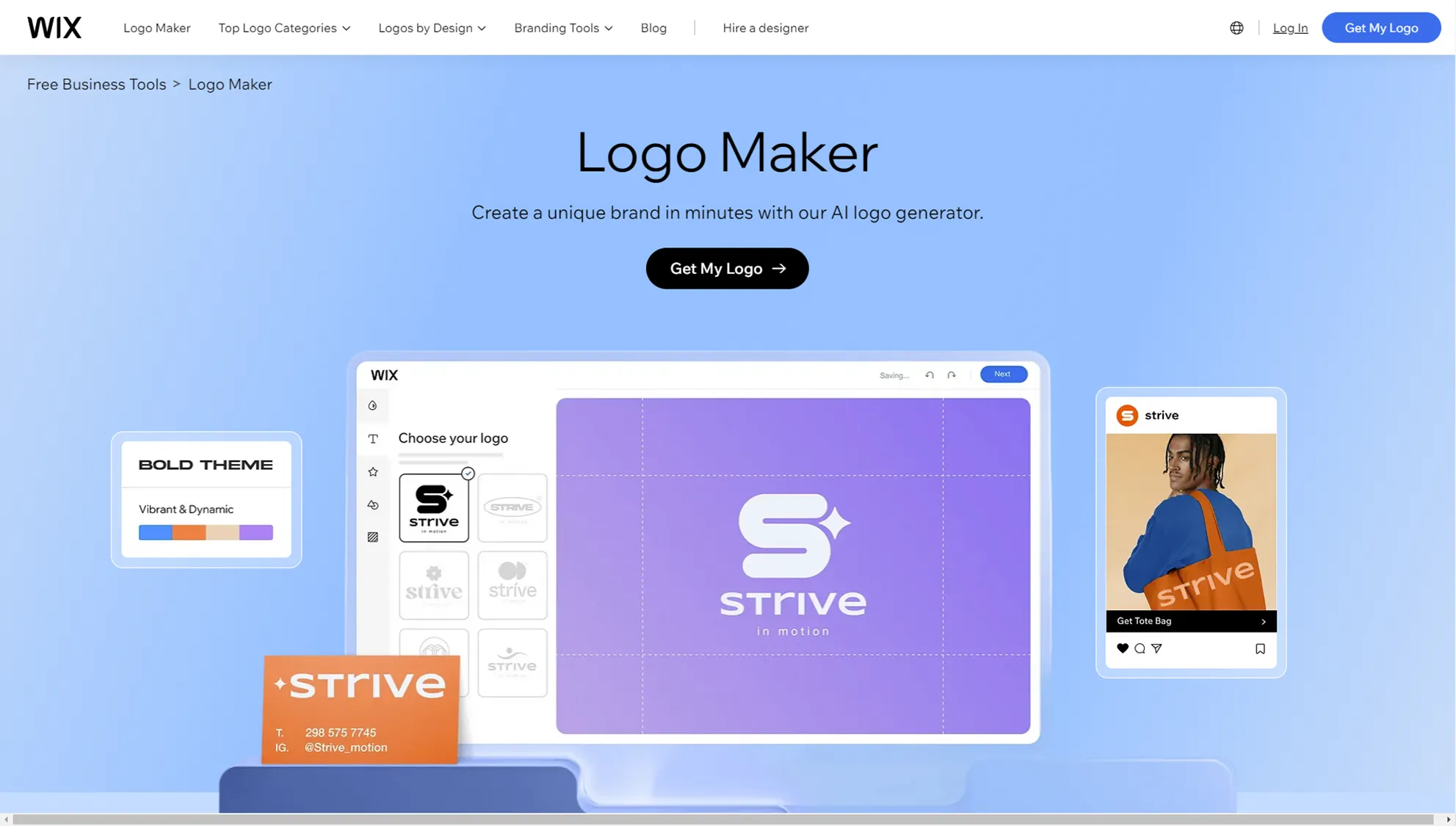
Wix Logo Maker is a simple SaaS tool with broad versatility. You can create a logo with just a few clicks, and if you plan to use Wix’s website services, it’s a good option. For logos alone, you can choose from the $20 Basic plan or the $50 Advanced plan, and if you want to use Wix’s web services, there’s the Brand Plus plan at $5 per month. While it’s clean and convenient, using it solely as a logo maker feels somewhat limited, and you need the Advanced plan to access vector files, which can be a challenge.
7. Logomaker
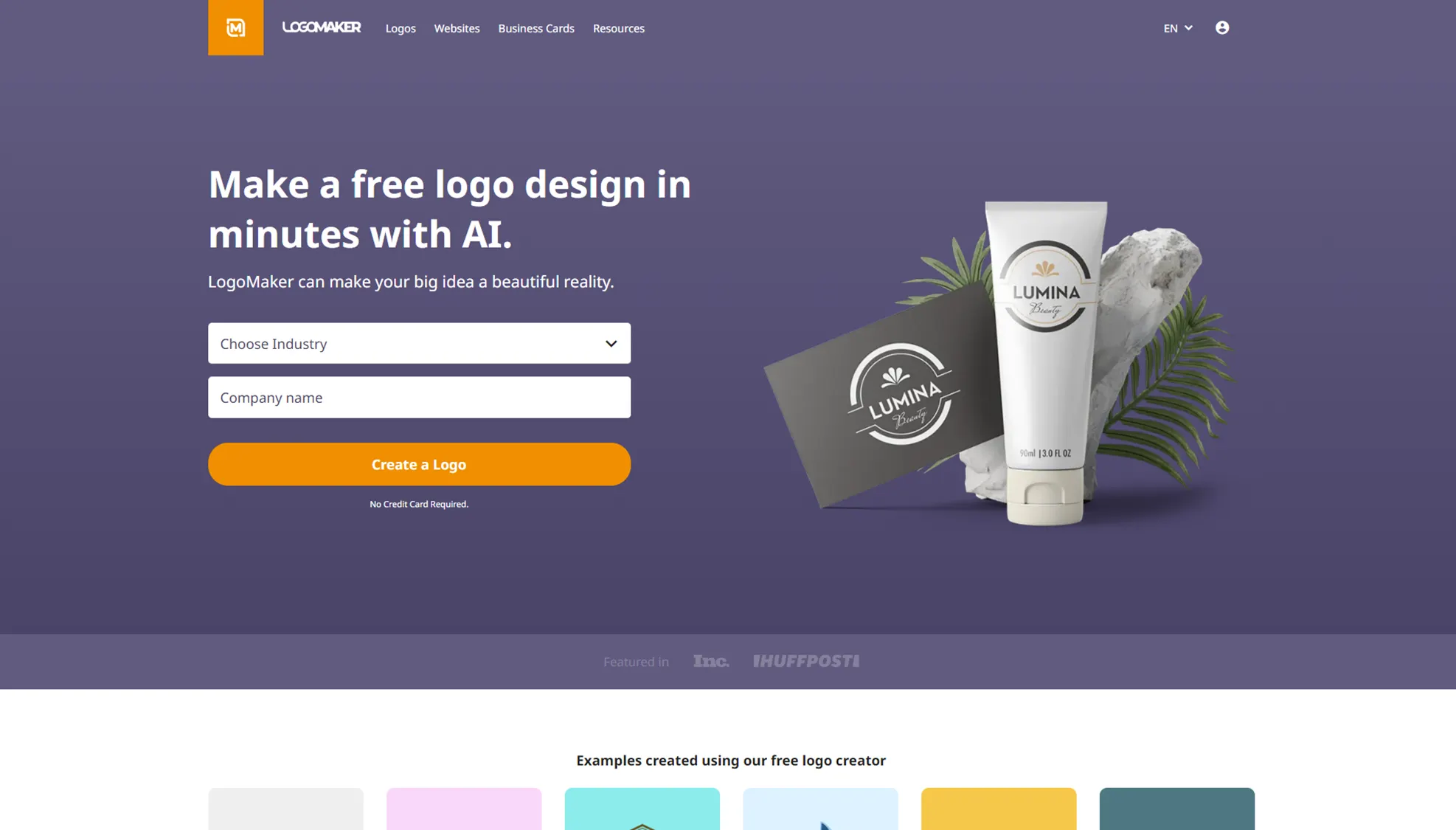
Logomaker.com also offers two pricing plans as another SaaS service. The Essential plan costs $40 and includes one design, while the Premium plan, priced at $60, includes additional features to make version edits and branding easier. While it lacks resizing and icon customization features for social media, the fact that it provides both vector and bitmap files is a strong point.
8. LIFETIME LOGO MAKER

LIFETIME LOGO MAKER differs from the services mentioned above as it is a downloadable application for PC. Although it’s a downloadable app, you can share your ongoing project files (with the .logomaker extension) much like PowerPoint’s .pptx files, making it convenient to work across devices like laptops. Most importantly, LIFETIME LOGO MAKER’s key feature is that you can freely edit preset icons without limitations. Its intuitive editing tools allow you to create a symbol that best represents you, and because you create it yourself, it can even be registered as a trademark. It also offers both bitmap and vector images for maximum flexibility. With a one-time payment, you can purchase a lifetime license that gives you unlimited use without restrictions, making it less burdensome for diversifying your branding.
The Solution
What makes a "good" logo maker?
•
It should suggest various styles of templates for logo design, rather than repetitive ones.
•
The UI should be intuitive and easy for anyone to use.
•
The canvas (workspace) should be spacious enough to avoid frustration when you spend a lot of time and focus on the design.
•
It should offer enough freedom to fully design your logo yourself.
•
You should be able to create a truly "one-of-a-kind logo" that doesn’t feel like something you’ve seen before.
LIFETIME LOGO MAKER provides an easy and intuitive tool with over 100 presets to help you create your own logo. If you plan to register your logo as a trademark, LIFETIME LOGO MAKER is a "good" choice since it allows you to freely edit icons without worrying about copyright issues.
You can try this perfect branding solution for a promotional price of $99.50.
Show yourself to the world,
We’ll make it easy for you.