
— Logo Maker Blog —
Hello!  We are SpintoAI.
We are SpintoAI. We've launched our Logo Maker blog. We plan to post articles about the basics of logos and introduce and compare various logo maker software. If you have any questions, feel free to contact us at support@spintoai.com. Thank you!
Gallery
Basic of Logo Design
LogoMaker
Search

.png&blockId=17f05d2b-250c-48e0-857e-40130b59fdeb)
When creating a logo, it can be overwhelming to decide on the right colors or which icon to use.
To help customers with these challenges, many logo design software options provide various examples, and LIFETIME LOGO MAKER is no exception. With 100+ different presets, you can explore various logo styles and easily select the one that suits your needs. Once you've chosen a style, you can quickly create a professional logo by simply adjusting the company name and logo icon.
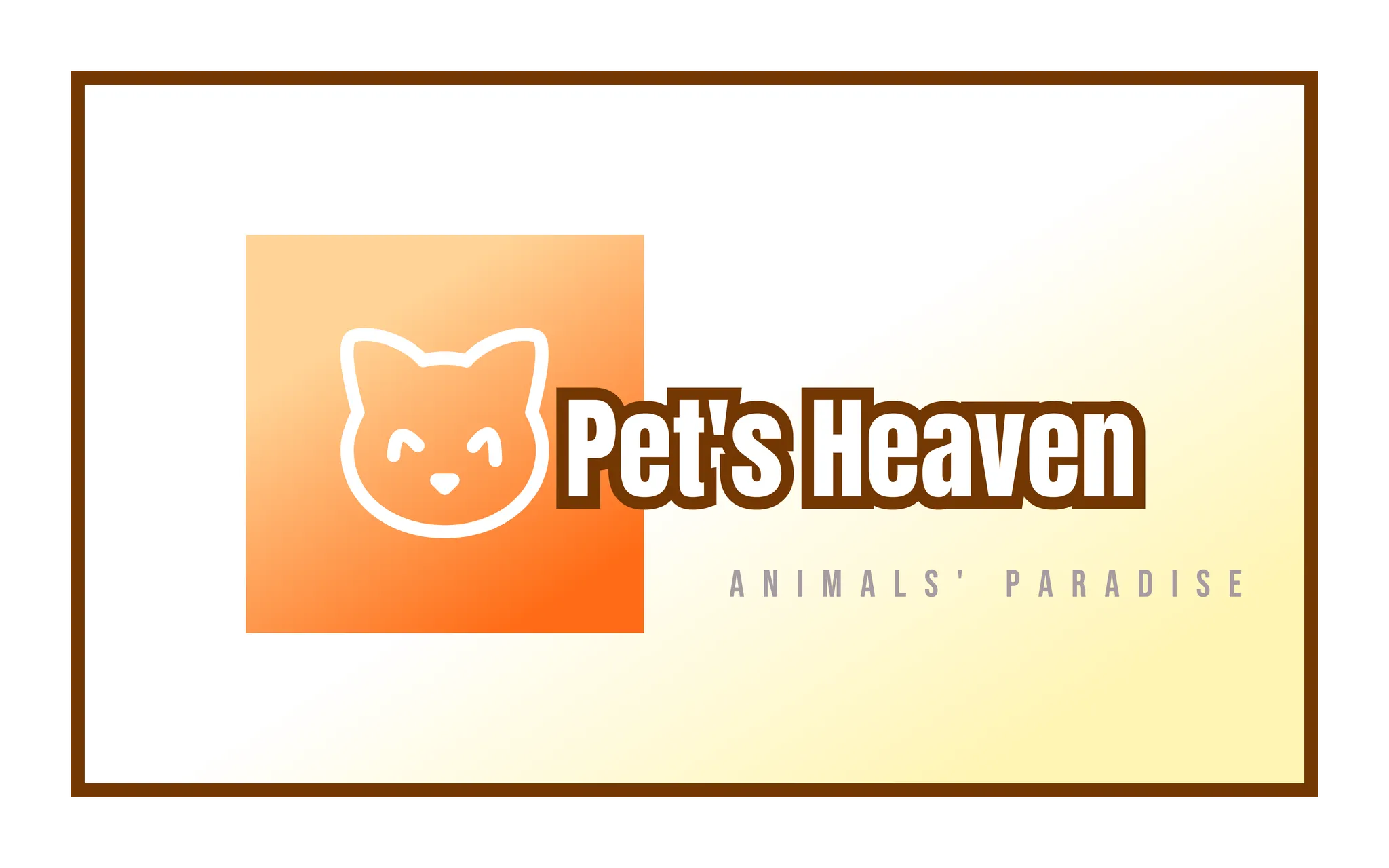
In the example video below, we created a logo for a pet shop called Pet’s Heaven using a preset.
1.
We selected a warm, appropriate preset.
2.
We replaced the icon with a cat.
3.
We updated the text.
4.
We entered the Icon Editor to modify the cat's eyes into a smiling shape using curves.
LIFETIME LOGO MAKER offers 100+ presets. Applying a preset and modifying icons and text is simple, and the software even includes an Icon Editor for further customization.
100+ Diverse Presets


Is it possible to register a trademark using stock icons?
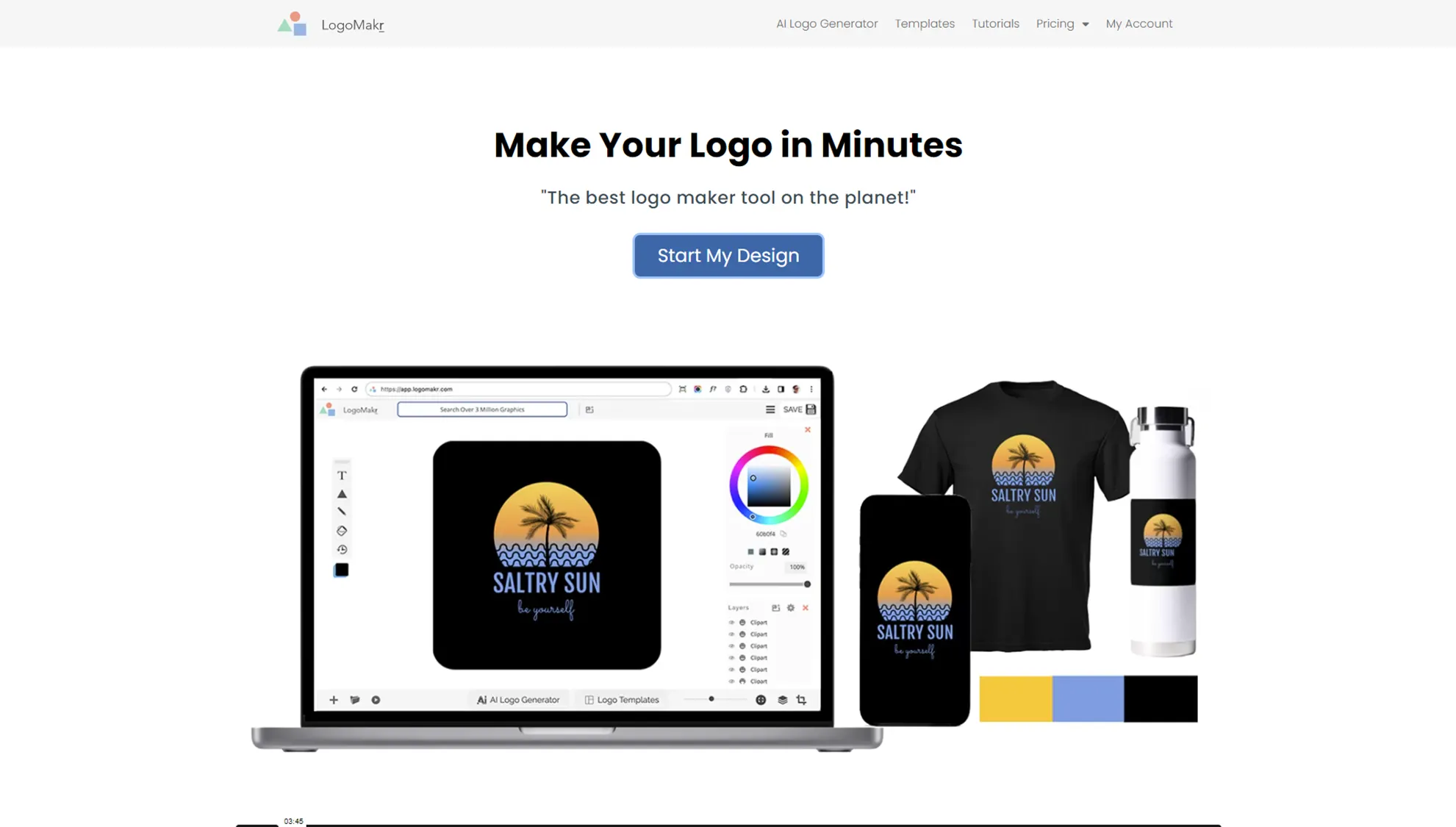
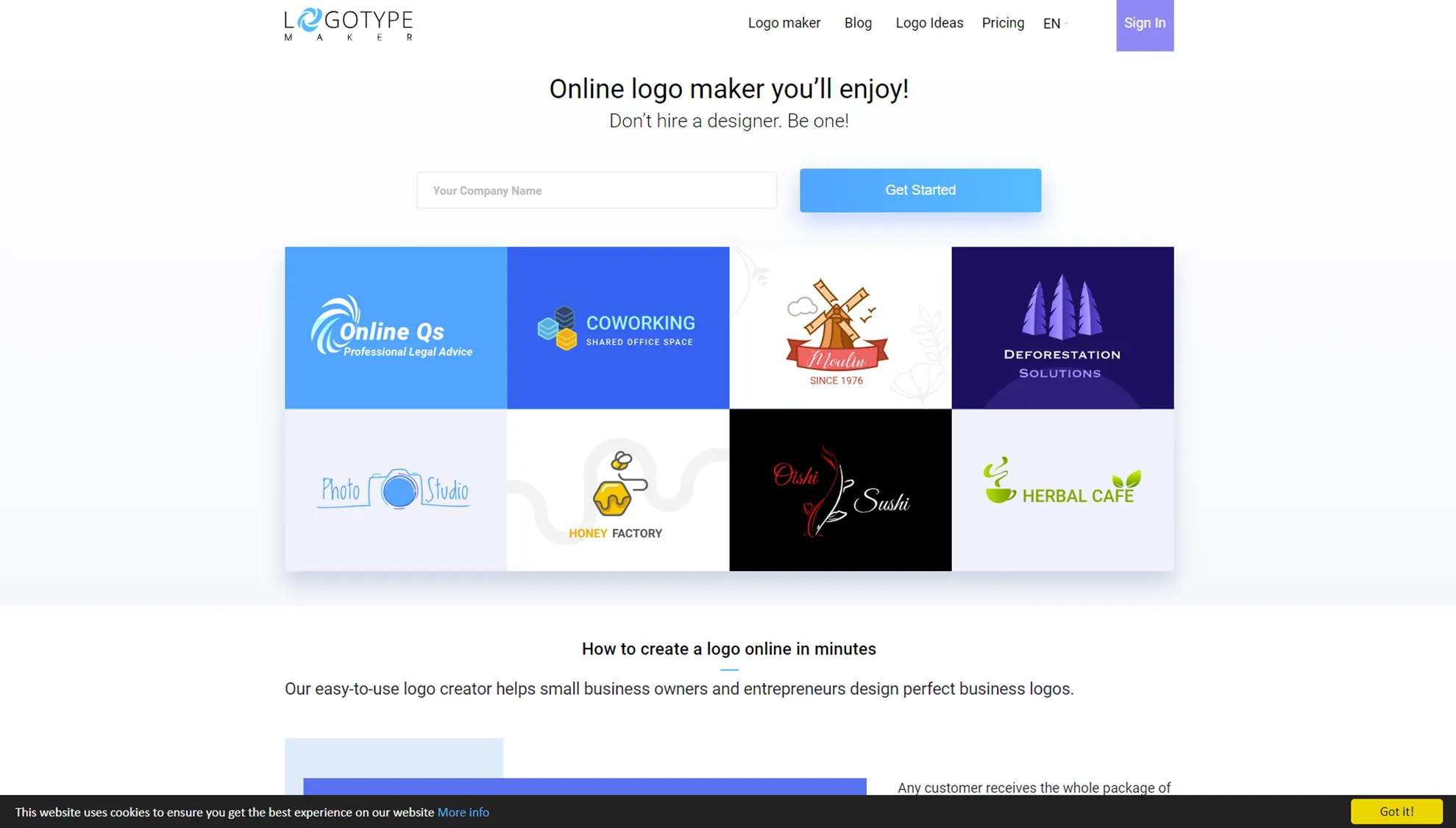
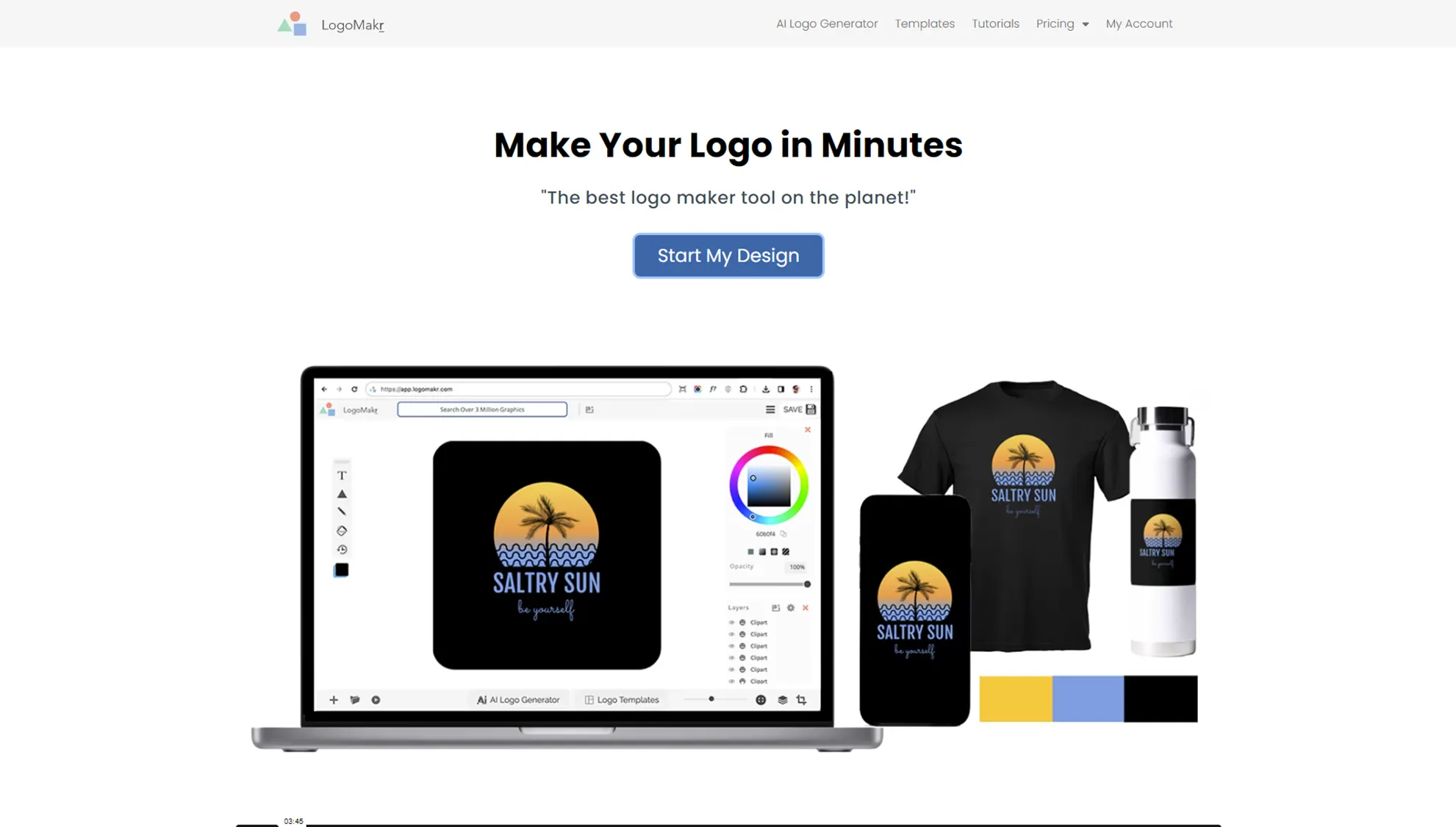
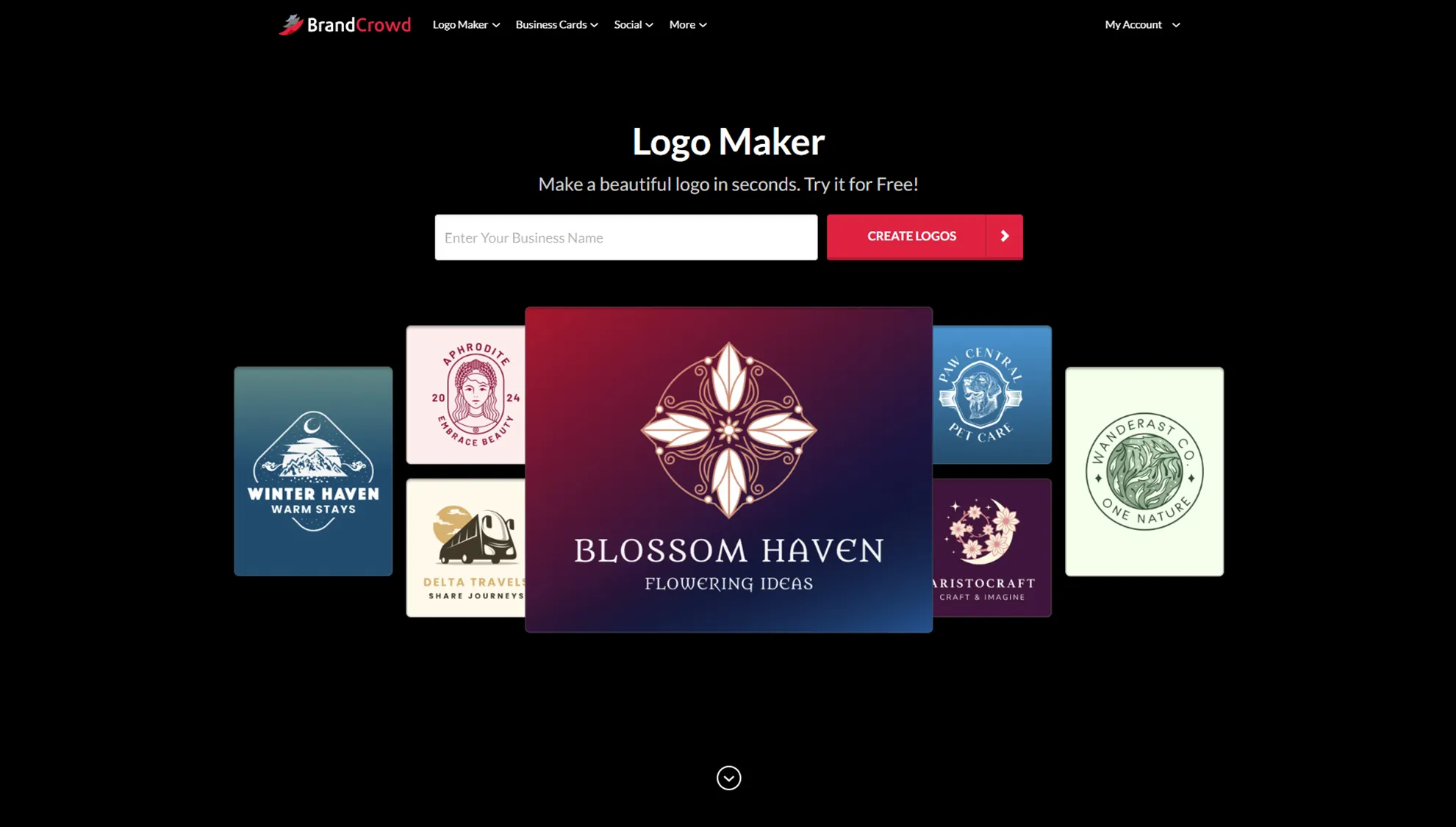
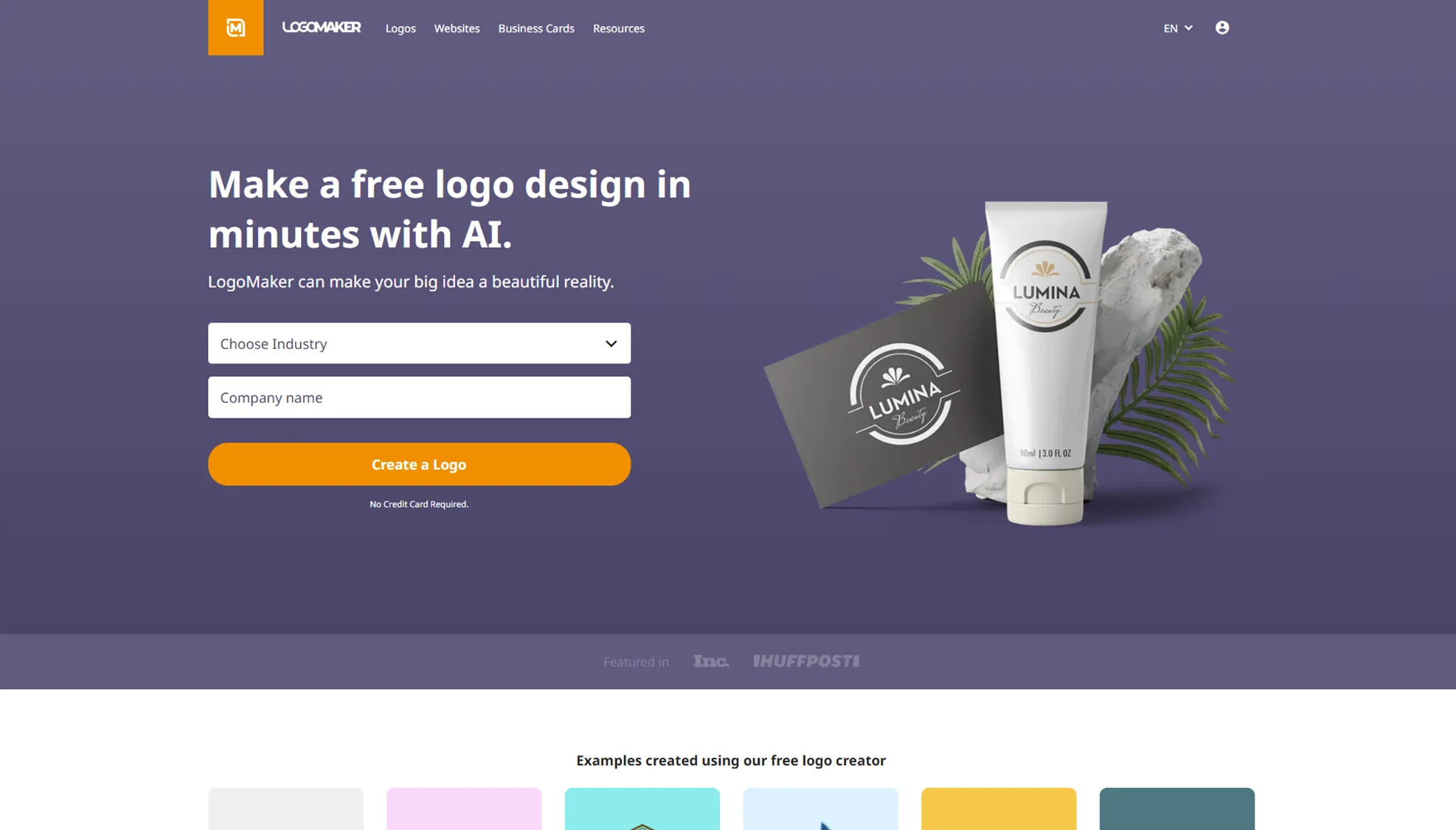
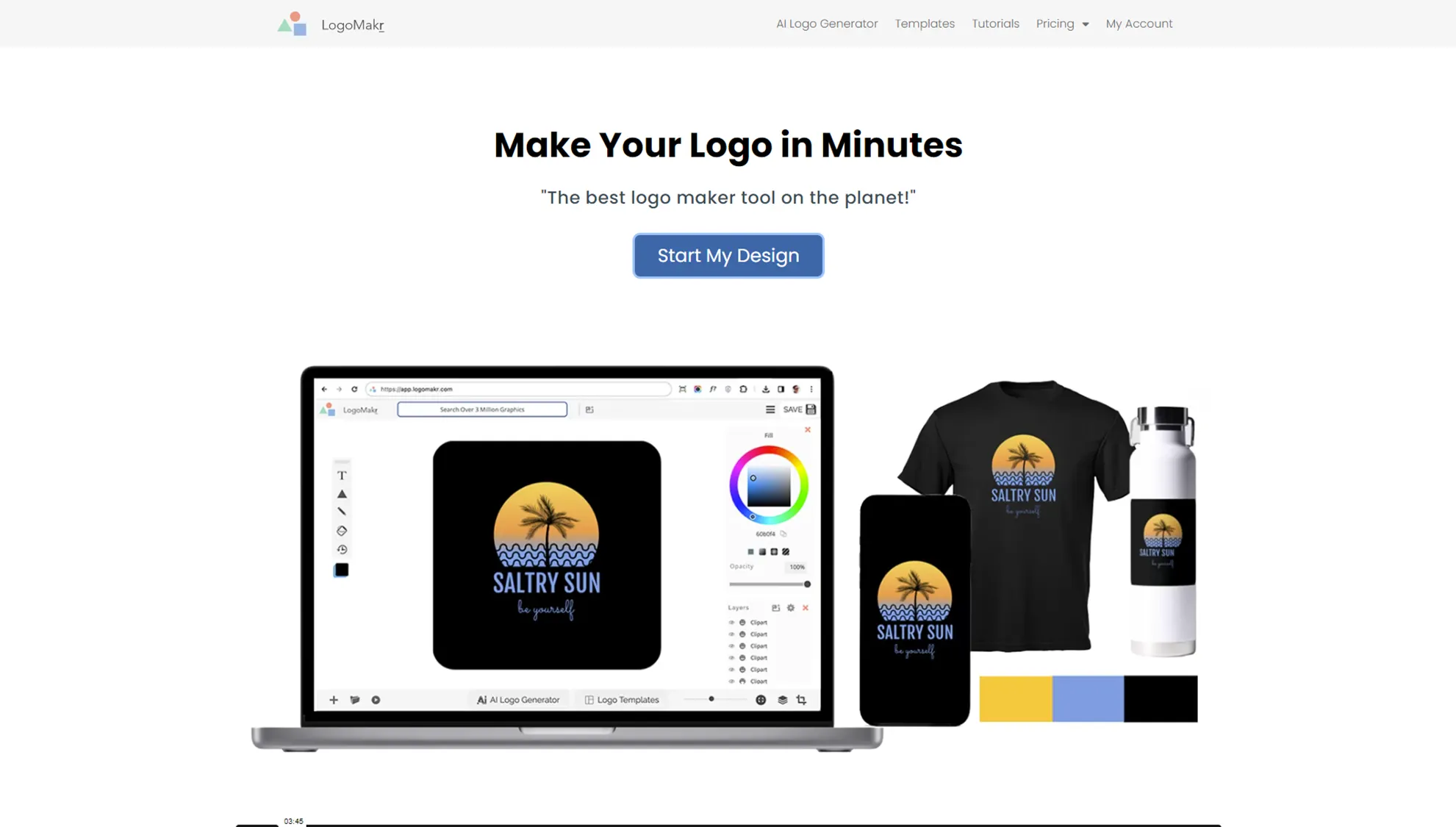
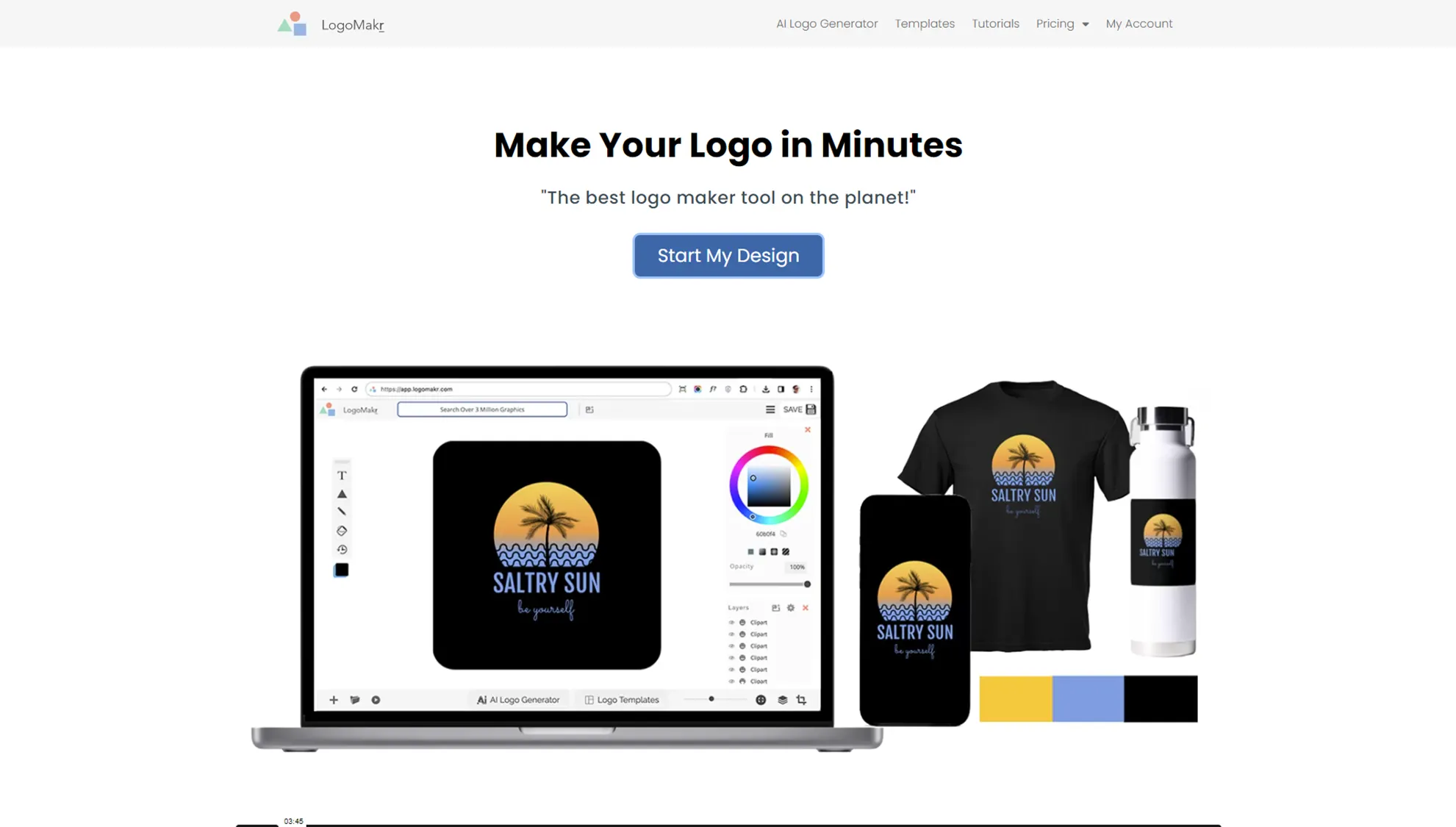
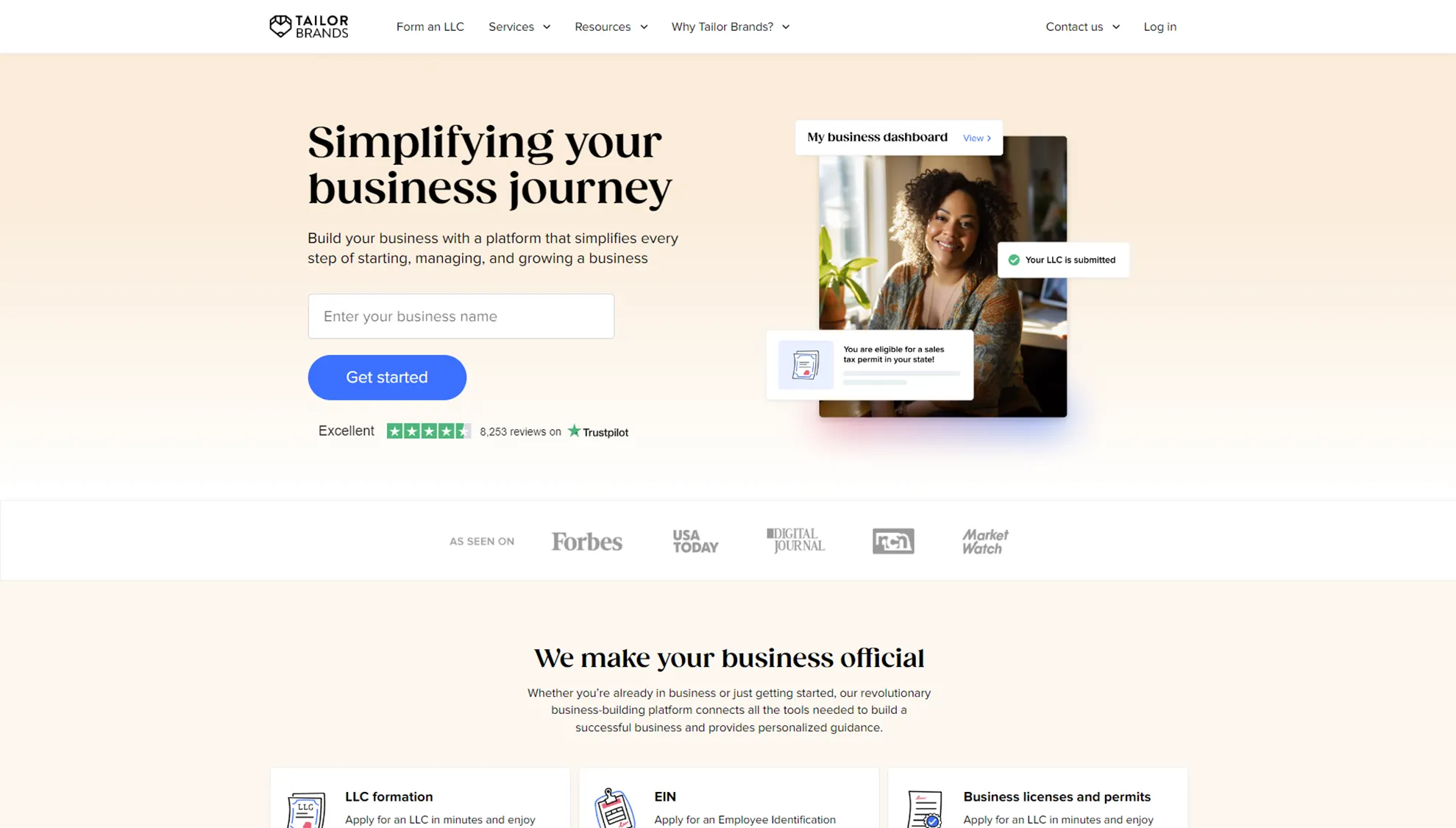
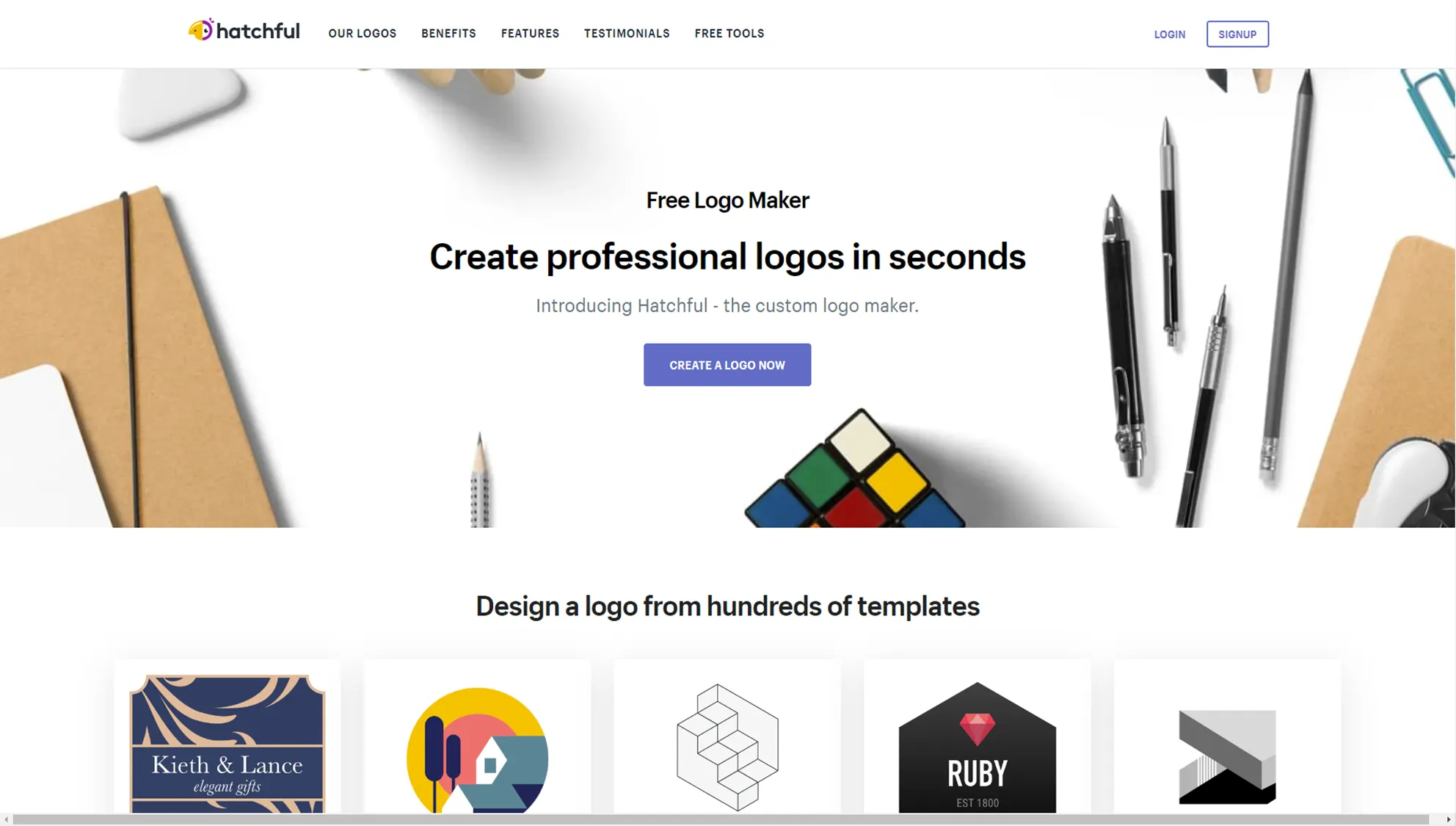
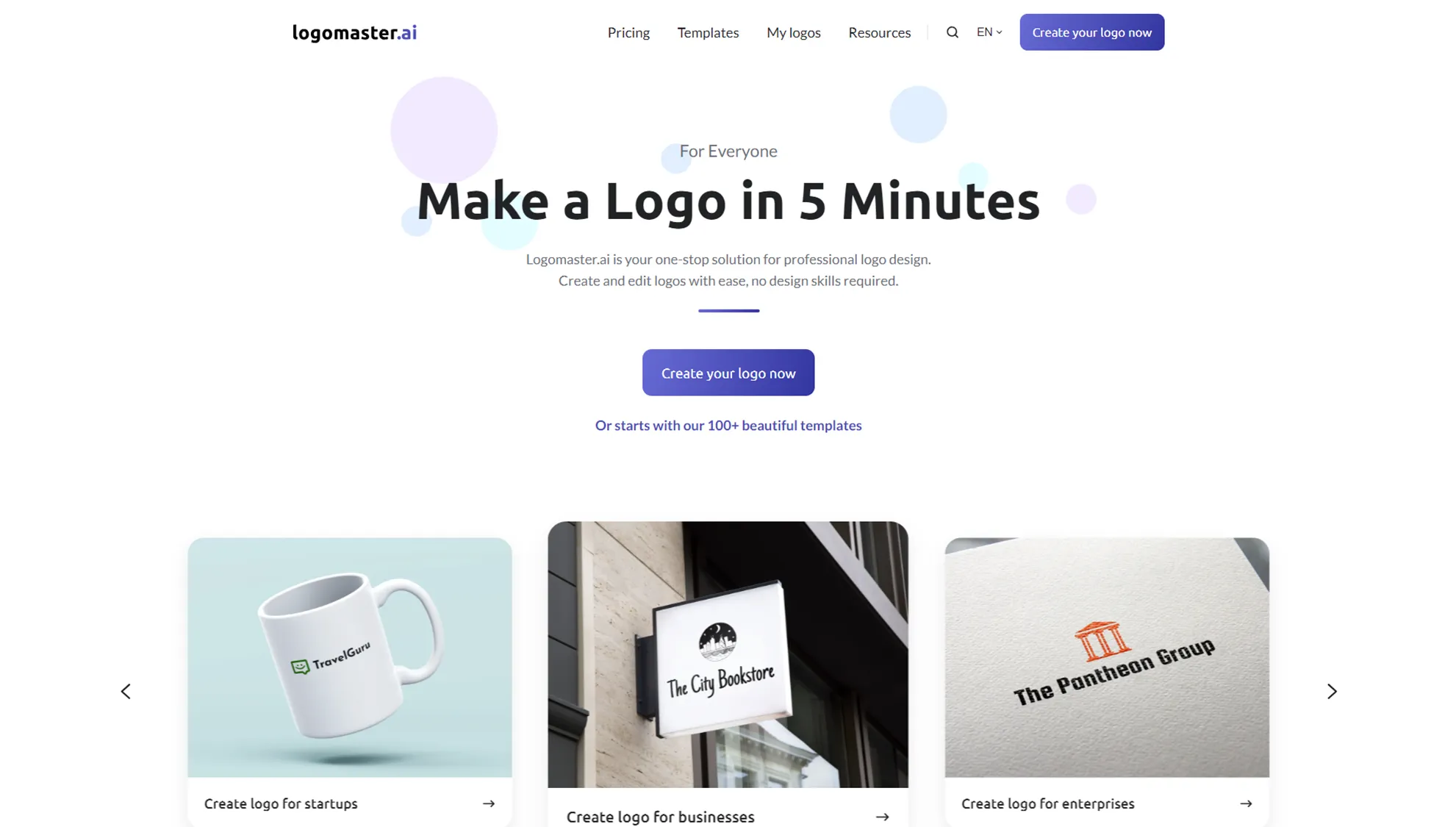
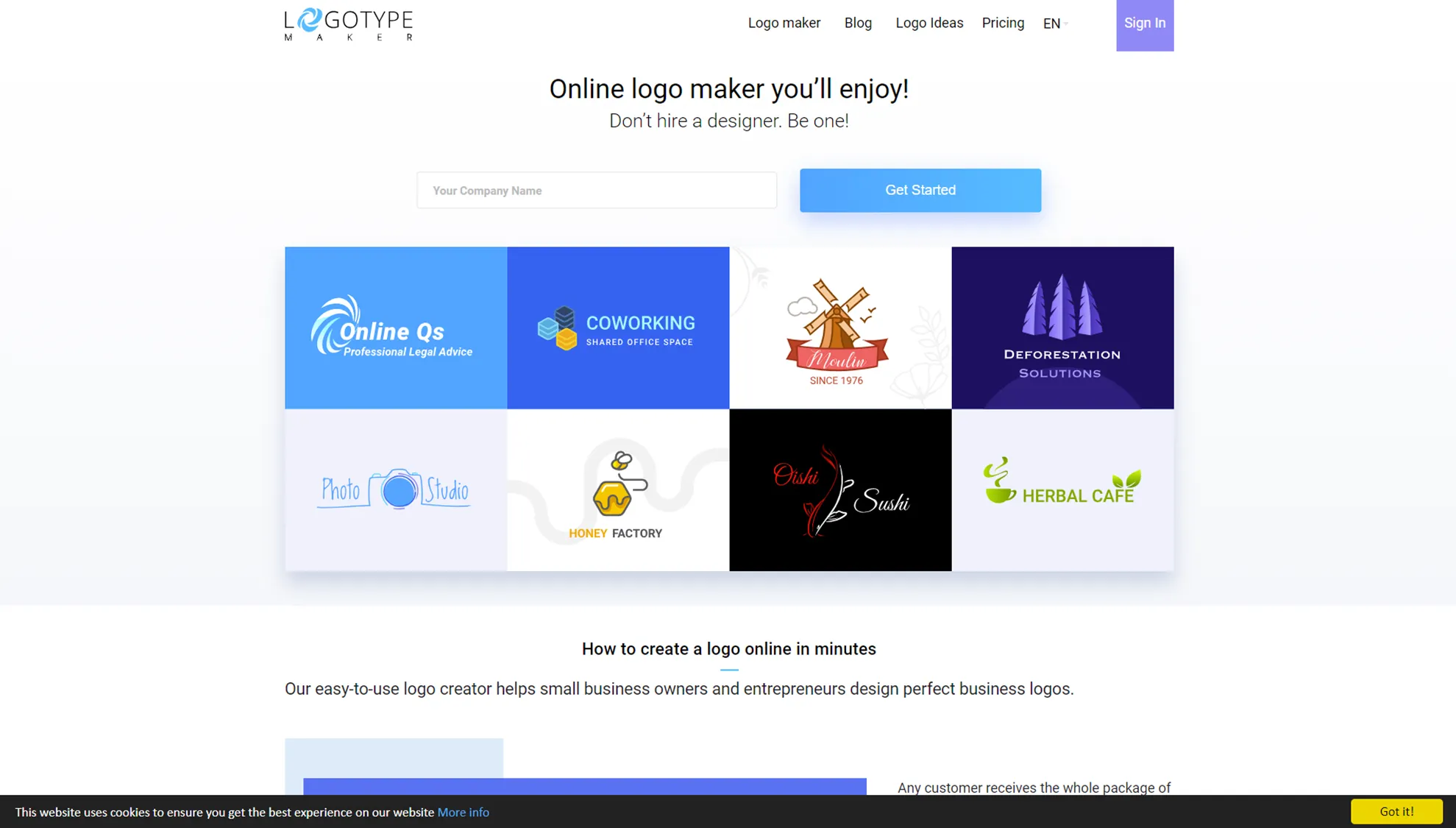
There are many online services that help you create logos. These SaaS platforms often advertise that they offer anywhere from 100 to 1,000 icons and images. Some of these sites are capable of producing quite decent logos (I’ll compare them in detail later).
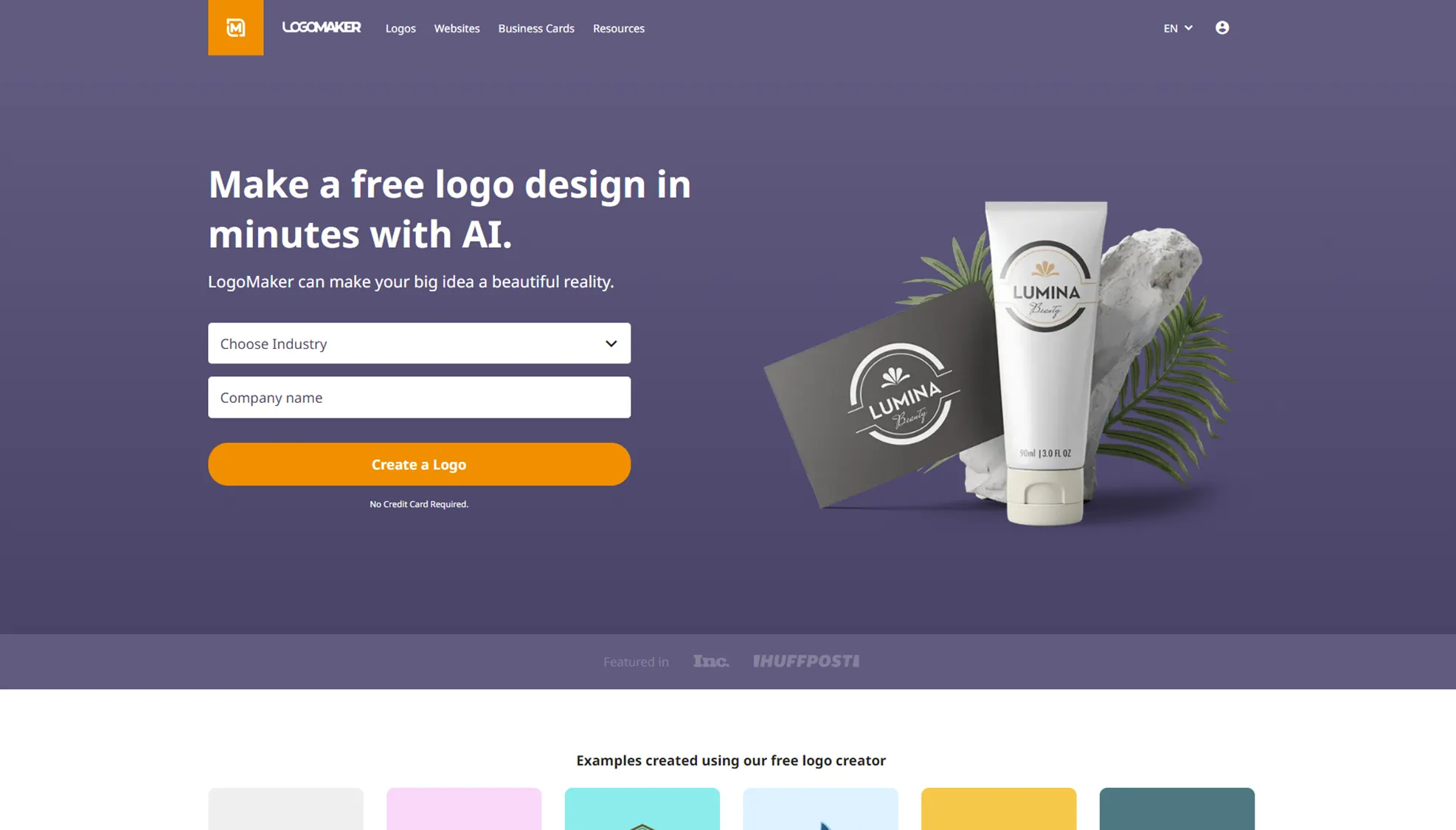
For example, when I entered our company name, SpintoAI, on logomaker.com, it provided many icon examples.
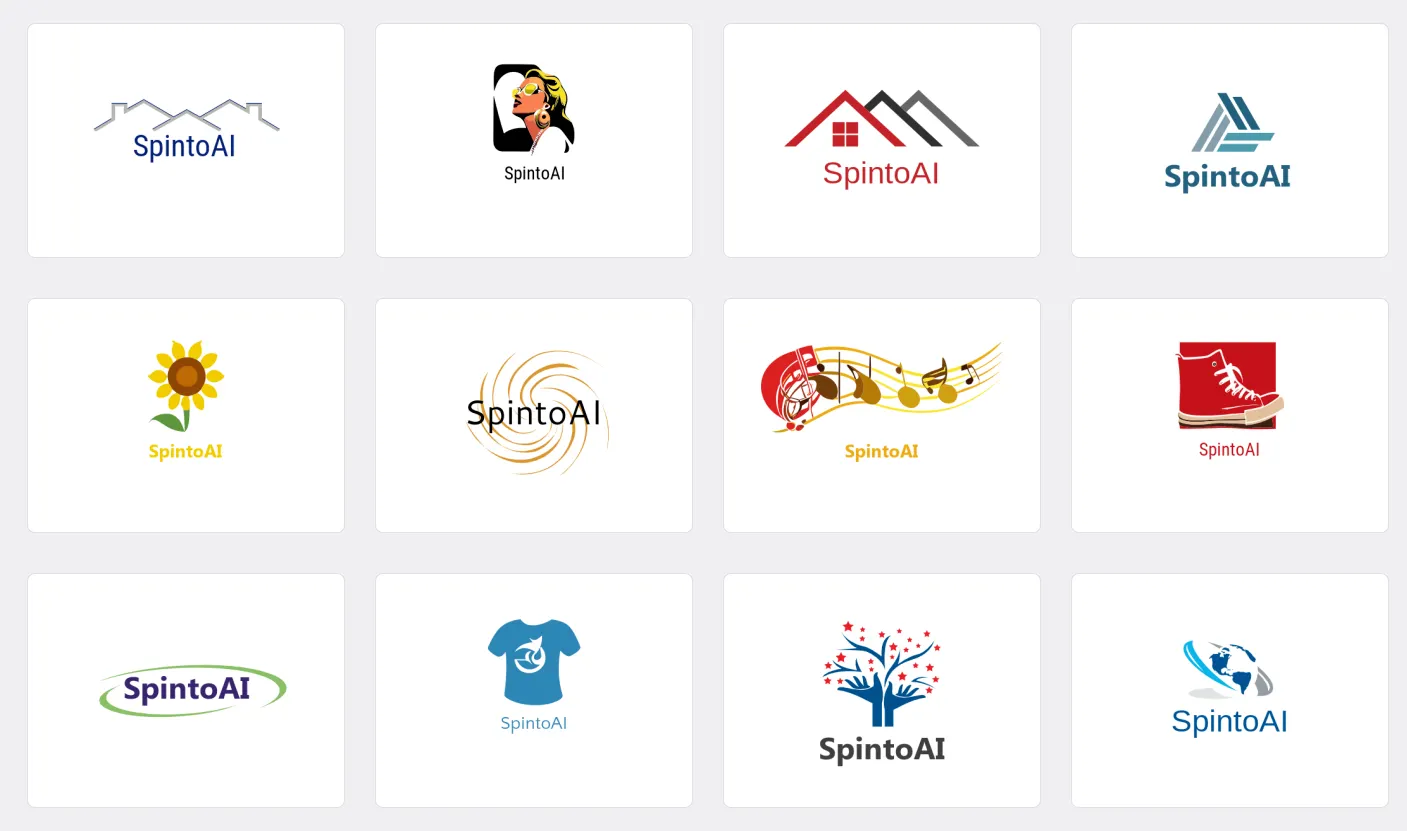
The last one with the world map looks pretty good. When I selected it, a window opened to allow changes to colors and text.
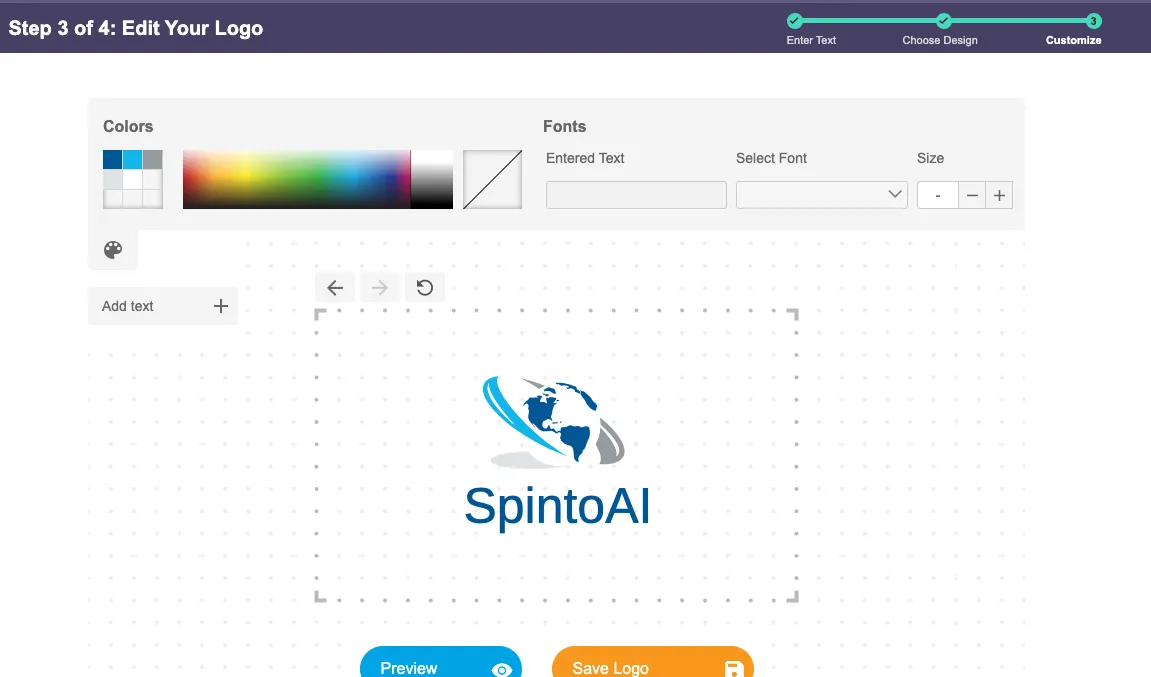 This raises an important question: Is it possible to use these icons or logos provided by such sites as they are, and still register them as trademarks? Customization options are often limited.
Stock Icons Cannot Be Trademarked





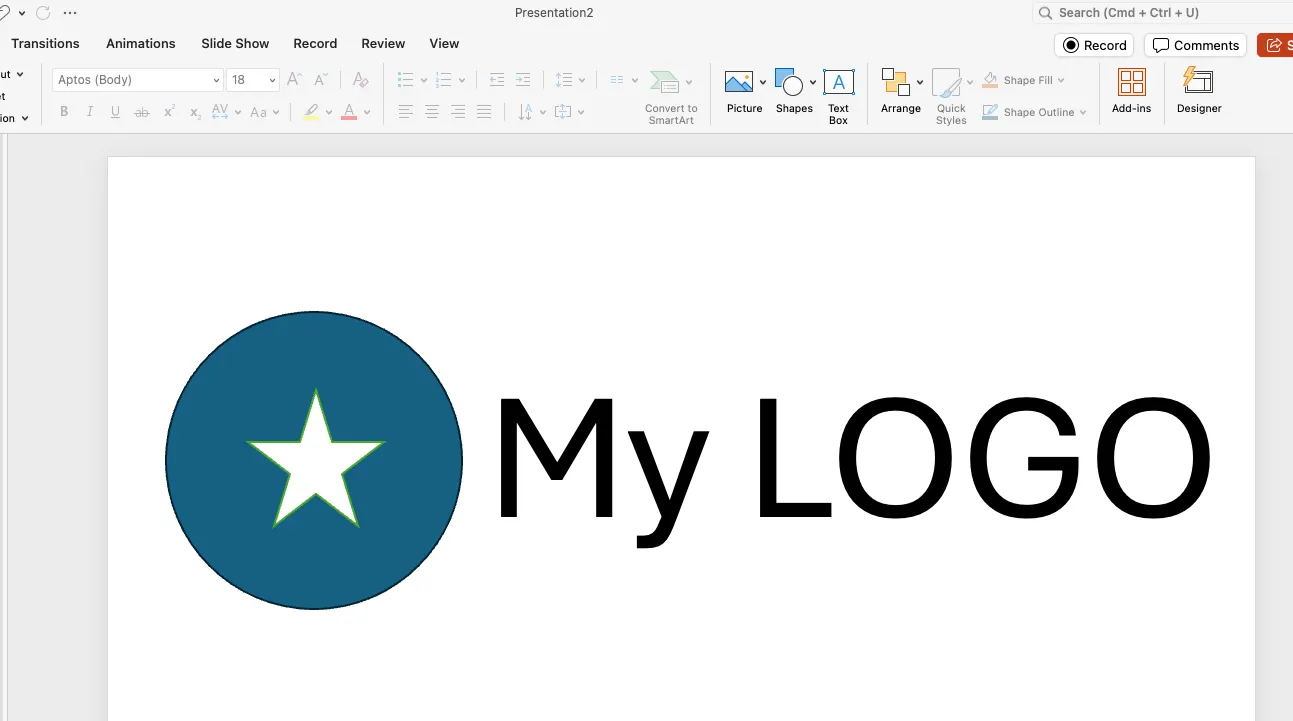
The icon editor in LIFETIME LOGO MAKER allows you to add and remove various shapes, and the most powerful of these is the Path tool.
In fact, Path is so powerful that you can create almost any shape using it alone.
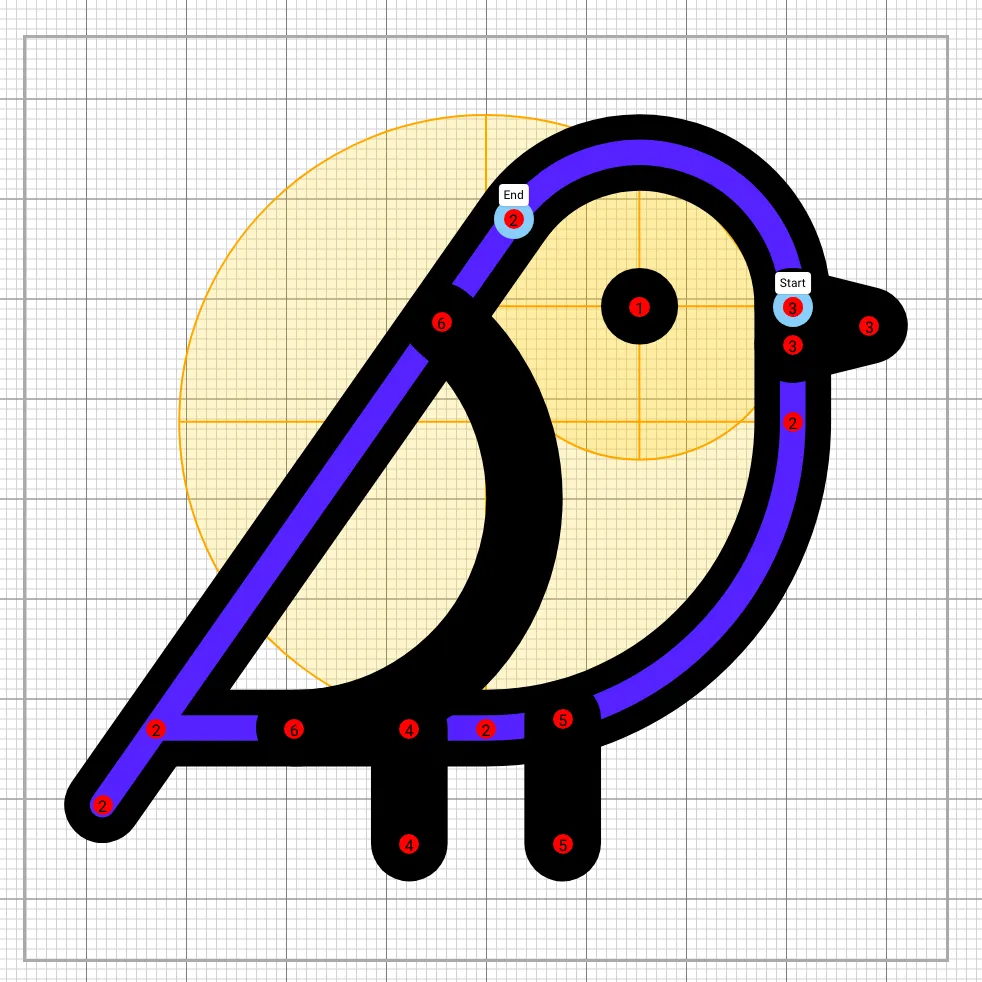
This is because Path is essentially a superior version of other shapes (line, rect, circle, ellipse, etc.). By mastering Path, you can create beautiful and easy logos.
A Path consists of multiple segments. In our Editor, you can add, change, or delete each segment type.
Let’s explore the types of segments available.
1. Line
The simplest command, which draws a straight line to the endpoint.
The 6 Types of Path
— Comparison of Logo Maker Software —
Introducing and comparing various logo maker software.
Gallery
Logo Maker Solution
Search



SpintoAI Inc. All rights reserved.
Deokreung-ro-73-gil-88, Sangga-dong 403-6
Nowon-gu, Seoul, Republic of Korea
(ZIP: 01706)
D-U-N-S Number: 963326917
Number: 963326917